Know how an ATS reads your resume before you apply
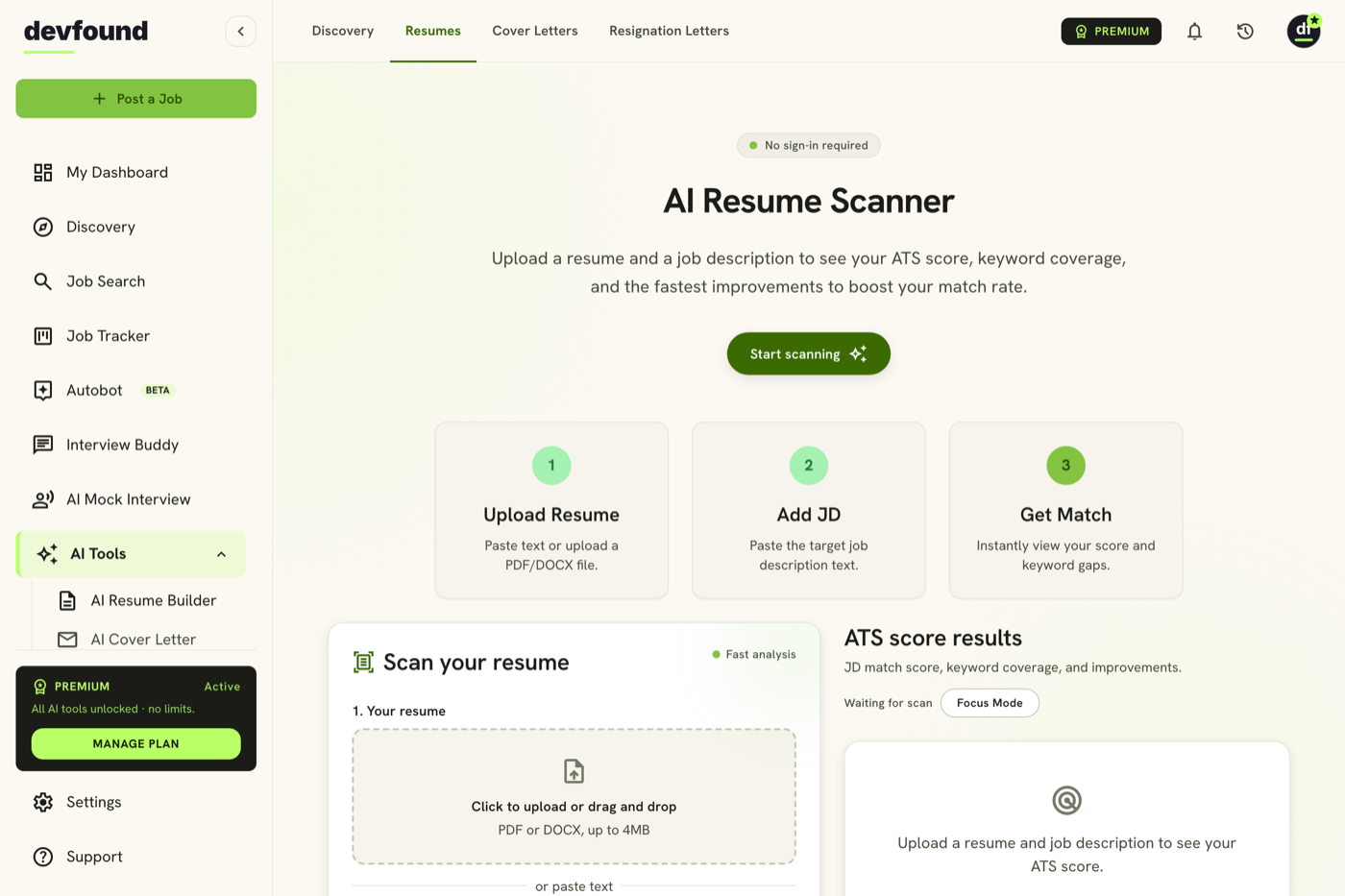
Paste a job description, add your resume, and get a 0–100 match score with the exact keywords you're missing — an ATS match signal, not a hiring guarantee.
Free to start · no credit card · sign in to scan on app.devfound.ai
Trusted by job seekers beating the bots






From résumé to recruiter-ready in three steps
- 1
Upload resume & job
Add your resume (PDF/DOCX or paste) and the posting you're targeting.
- 2
Get your match score
See your 0–100 ATS match score and what's holding it back.
- 3
Fix and re-scan
Apply the prioritized fixes and re-scan until you're competitive.
Your score is keyword coverage, as an ATS sees it
We compare your resume against the skills and terms a job posting asks for. A higher score means tighter alignment — it's an ATS parse-and-match signal, not a hiring guarantee. Humans still make the call.
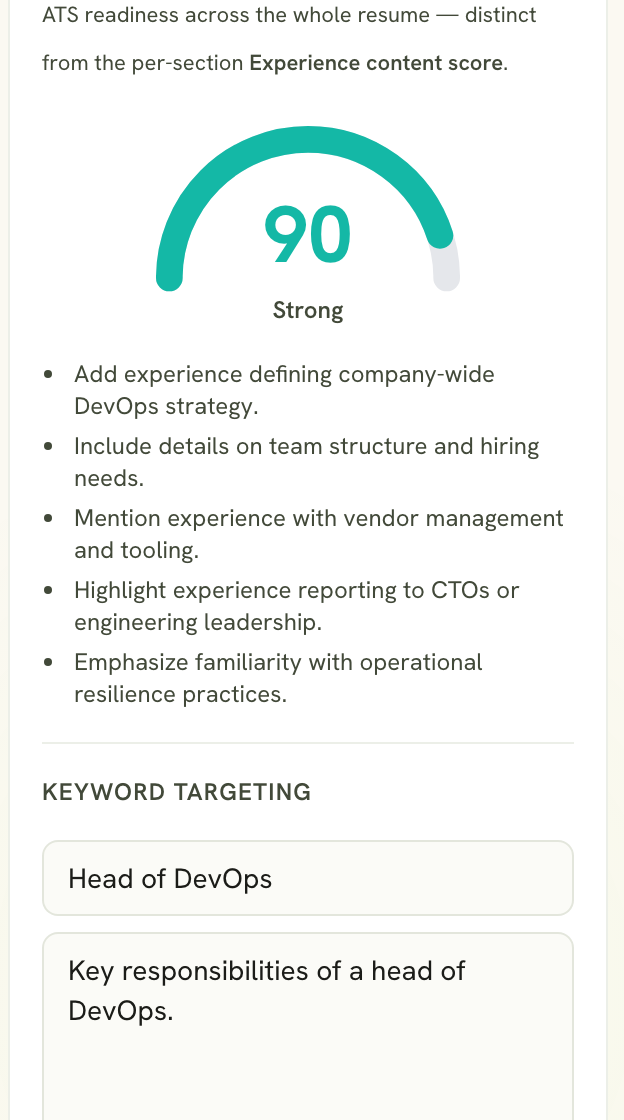
76 Example: 76 · Competitive- Strong match85–100 Your resume covers most of what the posting screens for.
- Competitive70–84 Solid alignment — a few targeted keywords will push it higher.
- Needs tuning50–69 Real gaps to close before this posting takes you seriously.
- Low match0–49 Big keyword gaps — tailor before you apply.
See your match score the moment you scan
A 0–100 score shows how well your resume aligns with the exact posting an applicant-tracking system will screen it against.
- A single 0–100 match score
- Banded Strong → Low rating
The exact keywords you're missing
Every required and preferred skill the posting wants that your resume doesn't mention — surfaced as a clear, fixable list.
- Required, preferred & keyword gaps
- Matched vs missing at a glance
Specific fixes, in priority order
Not vague advice — concrete changes like “Add proof of required skill: Kubernetes,” ordered by impact, then re-scan to see the lift.
- Prioritized, resume-specific edits
- Re-scan to confirm the gain
Close the gaps, then watch your score climb
Add the missing keywords the report surfaced, re-scan, and see your match score move — your real progress on this posting, not a promise.
Illustrative — your lift depends on your resume and the posting.
- Added 4 missing required skills
- Mirrored the posting's exact phrasing
- Re-scanned to confirm the lift
Get past the bots
Everything you need to get past the ATS and onto a recruiter's screen.
Scan my resume-
Real ATS match score
A 0–100 score against the exact posting you're applying to.
-
Every missing keyword
The required and preferred skills your resume doesn't mention yet.
-
Prioritized fixes
Specific, resume-aware edits ordered by impact — then re-scan.
Built to get you past the bots
Frequently asked questions
What is the ATS match score?
A 0–100 measure of how well your resume's keywords align with a specific job posting, as an applicant-tracking system would read it.
Does a high score guarantee an interview?
No. A high score means your resume is well-aligned and parses cleanly — humans still make the call. It's a match signal, not a hiring guarantee.
What do I need to scan?
Your resume (PDF/DOCX or pasted text) and the job description you're targeting.
What are the missing keywords?
Required and preferred skills from the posting that your resume doesn't currently mention — the fastest, clearest fixes.
Can I tailor my resume after scanning?
Yes — open it in the Resume Builder with your scan and the missing keywords ready to add.
See your match score before you apply — free
Free to start · no credit card · sign in to scan on app.devfound.ai
Scan my resume